Login Help
Main content blocks
Welcome!
You can explore our offerings by clicking the Course Catalog link in the toolbar above.
To enroll in a course, you will need an account. Please access the login page by clicking Log in at the top right of this screen, or by using the login links provided.
Option 1: The Fastest Way (Google or Microsoft)
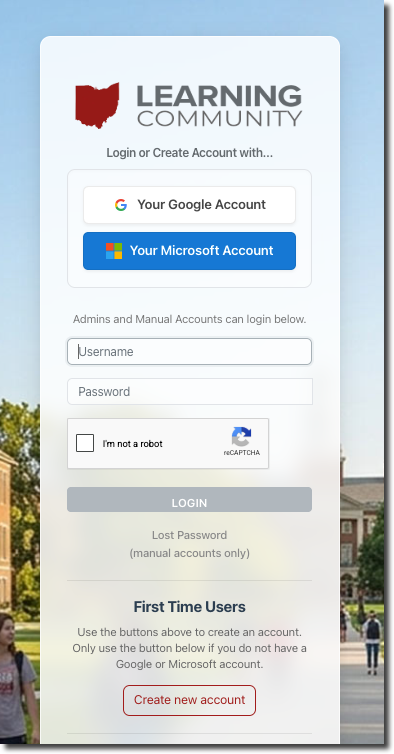
Once on the login page, simply click the Google or Microsoft button.
(See Screenshot)
- First time here? Clicking the button will automatically create and verify your new account.
- Returning user? Use the same button to log in every time.
Option 2: Use Another Email Address
Don't want to use Google or Microsoft? Go to the login page and scroll down to the bottom to find the manual registration form. You can use this to create an account with any email address.
Already have an account in another tenant?
If you already have an account with another tenant in the Ohio Learning Community but need to switch to the main OLC portal, please complete the Tenant Transfer Request form instead of creating a new account.
Example of the login options: